
Home » How to Choose a Laptop for Remote Work
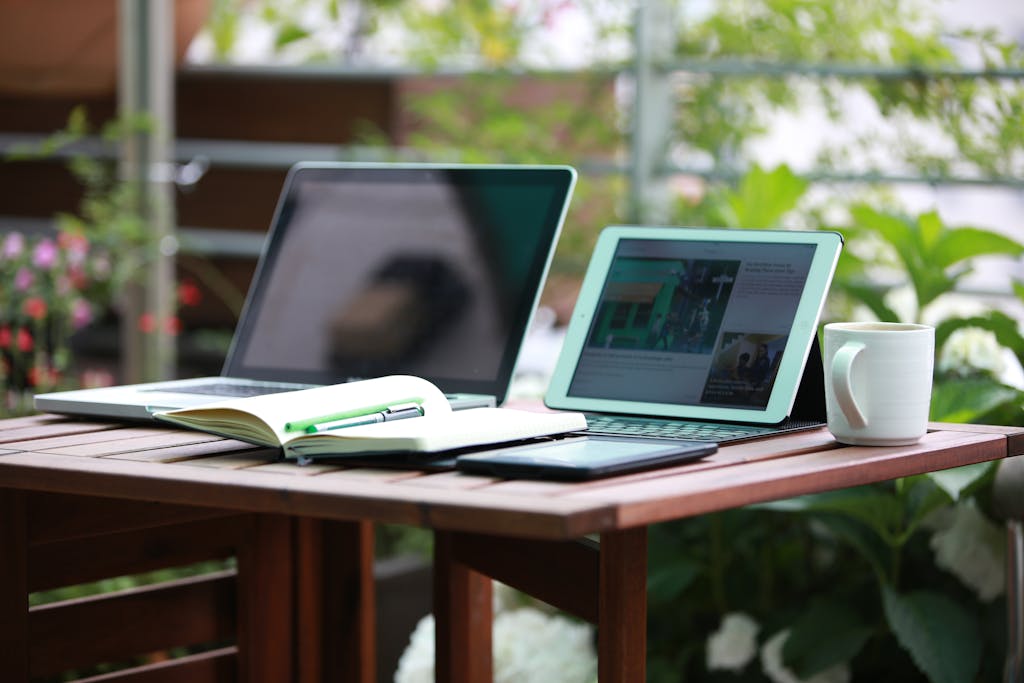
How to Choose a Laptop for Remote Work

by bhs-ahEditor
Remote work has become a normal part of life for many people, and having the right laptop makes a big difference in productivity and comfort. Since you will be working from home, cafés, or while traveling, your laptop needs to be reliable, fast, and suitable for your work style. With so many options available, choosing the best laptop can feel confusing. Here are the most important things to think about when selecting a laptop for remote work.

Consider the Performance You Need

The performance of a laptop depends on its processor, RAM, and storage. A strong processor helps you multitask smoothly, especially if your work involves handling large files or running several apps at once. For most remote jobs, at least 8GB of RAM is recommended, but 16GB is better for heavier tasks like design or coding. Storage also matters. Solid-state drives are faster and more reliable than traditional hard drives, helping your laptop start quickly and load programs without delay.

Choose a Comfortable Screen Size

Since remote work often means long hours in front of the screen, choosing the right display is important. A larger screen makes multitasking easier and reduces eye strain, but it also makes the laptop heavier. A 14-inch display is a good balance for most people, offering enough space while staying portable. If you prefer more workspace for editing, designing, or spreadsheets, a 15-inch or 16-inch screen may suit you better. Make sure the screen has good brightness and clear resolution for comfortable viewing.

Focus on Battery Life

Strong battery life is one of the most important features for remote workers. A laptop that runs out of power quickly can interrupt your workflow and reduce flexibility. Look for models that offer at least eight hours of battery life. This helps you work productively even during power cuts or when you are away from a charging outlet. Energy-efficient processors and optimized software also help extend battery performance.

Check the Build Quality and Portability

A remote-work laptop should be durable and easy to carry around. Lightweight models are great for people who travel or move between different work spots at home. Metal bodies generally last longer and feel more premium, while plastic builds may be lighter but less sturdy. Make sure the keyboard is comfortable and the trackpad is responsive because you will be using them for many hours each day. Good build quality helps your laptop stay dependable over the long term.

Look at Connectivity Options

A laptop with the right ports makes remote work easier. USB-C, USB-A, HDMI, and headphone jacks are common ports that support peripherals like external monitors, keyboards, and webcams. If your work involves attending virtual meetings, a good-quality webcam and microphone are also essential. Some newer laptops come with 1080p webcams that provide clearer video calls, which is a helpful upgrade for professionals.

Pick an Operating System That Matches Your Work Needs

Your choice between Windows, macOS, or ChromeOS depends on your job and personal preference. Windows laptops offer a wide range of models and software options. MacBooks are known for smooth performance and great build quality, especially for creative and professional tasks. Chromebooks are simpler and work well for people who mainly use online apps. Choose an operating system that supports the tools and apps you use most. Choosing a laptop for remote work becomes easier when you focus on performance, comfort, connectivity, and battery life. With the right device, you can work smoothly, stay productive, and enjoy a more comfortable remote-work experience every day.